
Solution · Spa and Massage Operations
Catch spa booking conflicts before you confirm
“Two sessions are booked for 3 pm, and both are with the same therapist.”
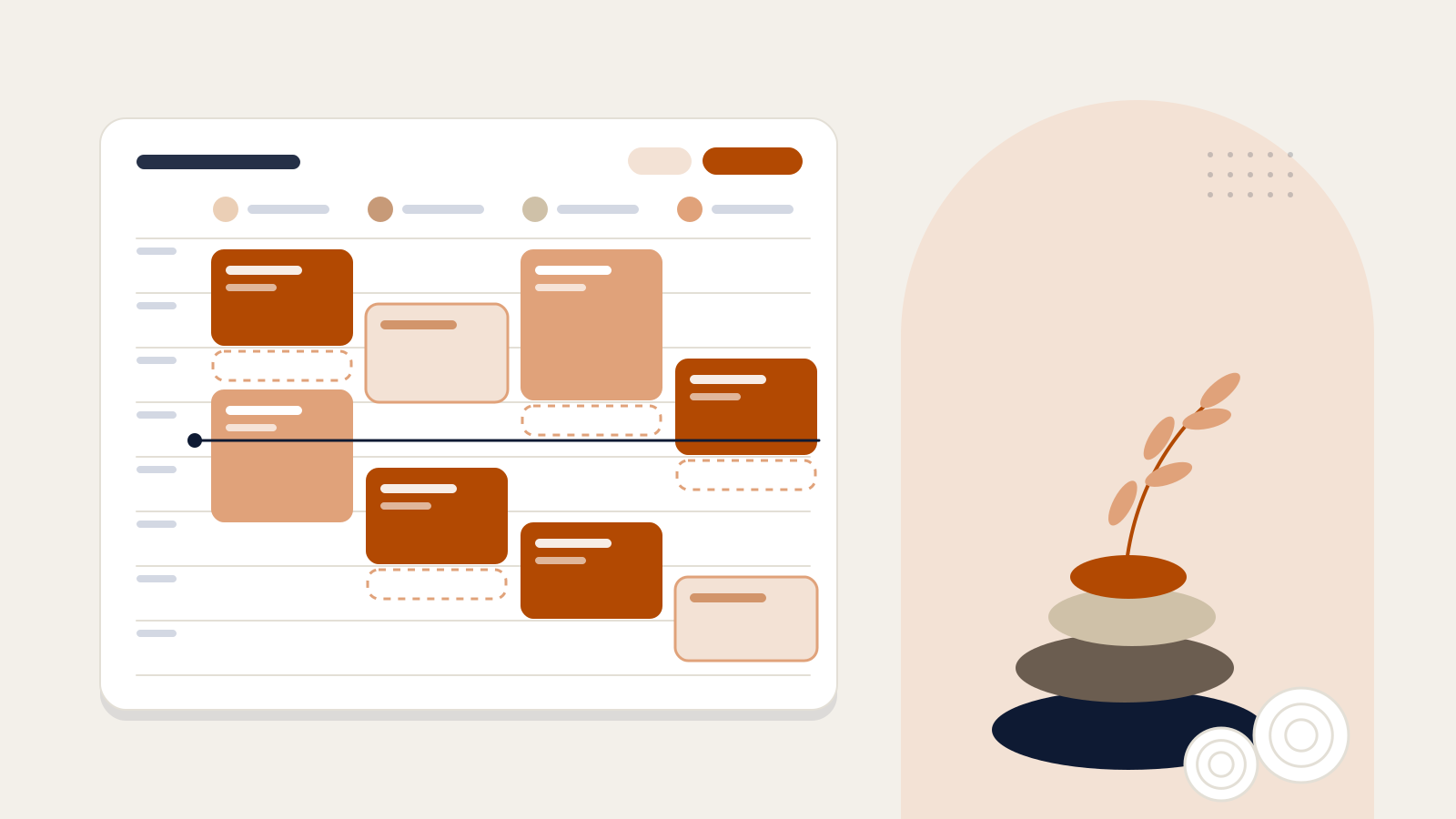
Two things a paper schedule misses
Illustrative- 15:00 · Two treatments, one therapist
- 15:00 · Treatment in a room under maintenance
Problem
Every booking depends on three resources at once
Therapist
- Are they trained for this treatment?
- Are they on shift at that time, or on leave?
- When does their previous session end?
Treatment room
- Is it right for this treatment and number of guests?
- Is another session booked there at that time?
- Is it blocked for maintenance or closed?
Time
- How long is the session?
- Is the requested time within spa opening hours?
- Who is the slot held for until the request is confirmed?
If even one of the three answers is wrong, the booking looks fine on paper but can’t actually happen.
Process
From request to confirmation: availability checked together
A request comes in
From the spa desk, a QR link or a guest’s WhatsApp message.
Resources are matched
A trained therapist who is on shift and free and a free room are looked for together; a clashing option is never offered.
The slot is held
Until the request is confirmed, the therapist and room are held for this guest for a set time, so the slot can’t be given to someone else.
Confirmed, and the guest is told
The spa team confirms. For WhatsApp requests the guest is informed in their own language; the therapist’s name is not shared.
Sample request: Aromatherapy massage · 60 min · 1 guest
Illustrative screen · Sample data14:00–15:00 · Available
Suggested match: Mert · Room 2. Therapists free: 1 · Rooms free: 1
Therapists
- SelinIn a session (14:00–15:30)
- MertFree
- DenizNot trained for this treatment
Rooms
- Room 1Booked (14:00–15:30)
- Room 2Free
- Room 3Under maintenance (13:00–17:00)
By role
Who sees what during a spa day?
- 09:30Spa manager
The day’s schedule
Requests waiting for confirmation, unassigned sessions and cancellation requests, in one list before the day starts.
- 10:15Guest · WhatsApp
A massage for tomorrow
The guest writes on WhatsApp. The assistant lists the available times for that day, and the chosen time reaches the spa as a request waiting for confirmation.
- 10:30Spa desk
Confirm, or offer another time
The desk confirms the request, or declines it with up to three alternative times; the guest is informed in their own language.
- 13:00Spa manager
Unplanned leave
When a therapist is marked as on leave for the afternoon, the affected sessions are listed with suggestions for reassignment.
- 14:00Therapist
Their own schedule
Each therapist sees their own column in the calendar: the next session, its length and its room.
- 16:40Spa desk
A walk-in guest
For a guest without a booking, free therapists and rooms appear on the same screen, and the session goes straight into the calendar.
- 20:30Spa desk
End of the day
Sessions are closed as “Completed” or “No-show”, and tomorrow’s schedule is ready.
Spa requests via WhatsApp require the hotel to use Horecas Concierge.
Request and booking
A request isn’t a booking until it’s confirmed
- Awaiting confirmationThe slot and resources are held for now.
- ConfirmedThe booking is fixed and the guest is informed.
- CompletedThe session took place.No-showThe guest did not arrive.
If a guest withdraws a request that hasn’t been confirmed yet, it is cancelled straight away.
What changes
What does the spa manager have at the end of the day?
Therapist utilisation
Booked session hours / shift hours
- Selin75% · 6/8 h
- Mert87.5% · 7/8 h
- Deniz62.5% · 5/8 h
Hour by hourTherapists in a session / therapists on shift
- 10:00 — 1/2
- 11:00 — 2/2
- 12:00 — 2/3
- 13:00 — 3/3
- 14:00 — 2/3
- 15:00 — 3/3
- 16:00 — 2/3
- 17:00 — 2/3
- 18:00 — 1/1
- 19:00 — 0/1
Total75%18/24 h
Sessions
16
12 × 60 min, 4 × 90 min
Where requests came from
- WhatsApp5 / 16
- QR link4 / 16
- Spa desk7 / 16
End-of-day status
- 15Completed
- 1No-show
What changes in the way you work
- Conflicts show up when the booking is made, not when the guest is at the door.
- A slot waiting for confirmation isn’t given to another guest.
- Unplanned leave or maintenance comes with a list of the sessions it affects.
- At the end of the day, completed sessions and no-shows are on record.
What the software does, and further reading
Related product
Horecas Wellness
Spa and massage bookings with treatment scheduling.
The booking calendar, therapist hours and skills, treatment rooms and the confirmation flow: see Wellness’s capabilities in detail on the product page.
Explore WellnessFurther reading
All articlesOur articles are currently available in Turkish.


Demo
Let’s look at your spa schedule together
Tell us about your treatments, your therapists and your rooms, and we’ll show you how the Wellness calendar works with them.
or email info@horecas.com