Review rate differences across your channels, with evidence
Hotels give rates to agencies and sales channels; guests compare the hotel on several websites. When a channel shows an offer below the hotel’s own rate, the question is simple and the answer is not: is the difference real, where did it come from, and who needs to hear about it?
“I saw the same room cheaper on another website than on yours.”
Sample guest message
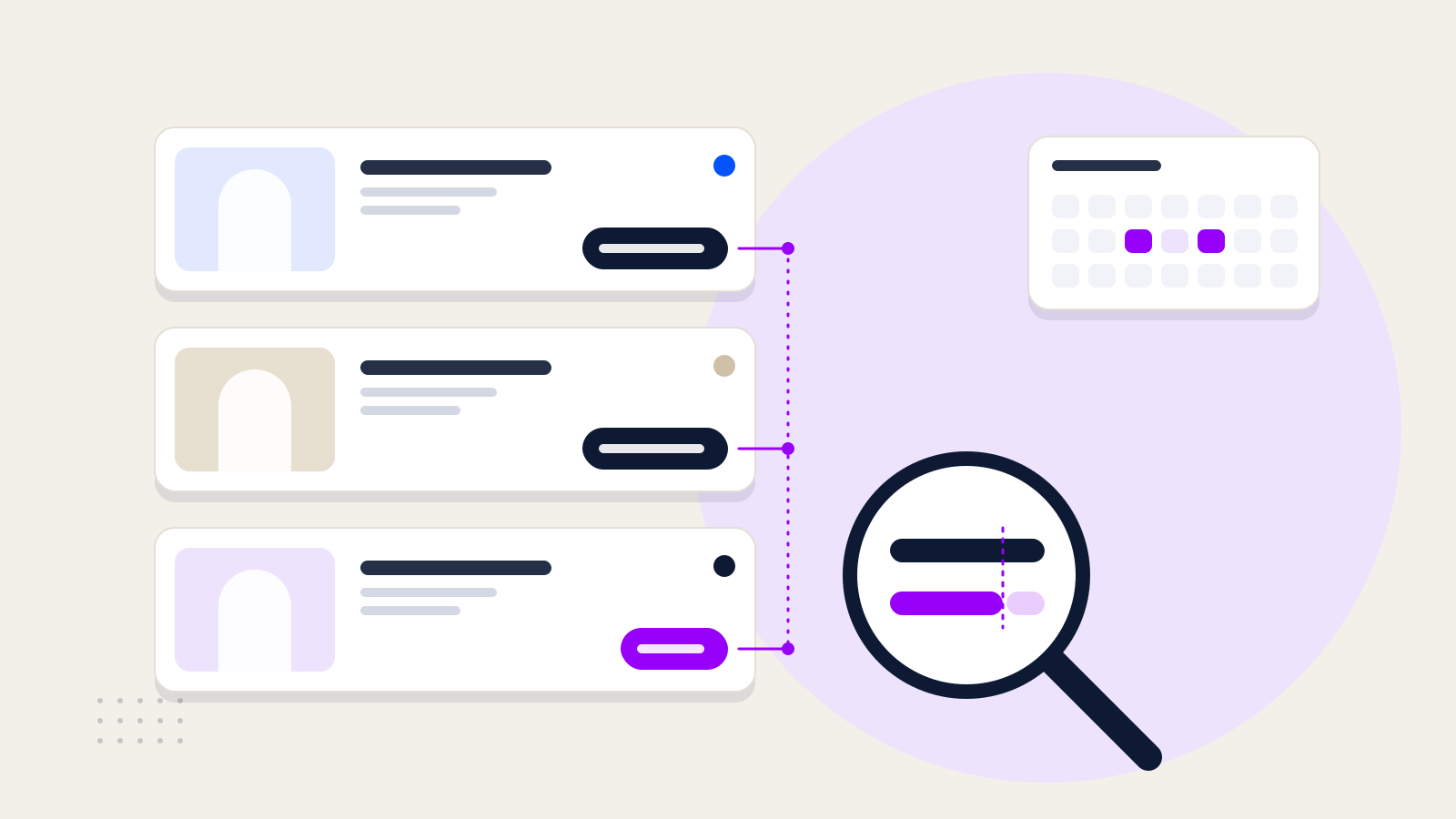
How can a rate difference appear?
Illustrative
1HotelOfficial rate on its own websiteTRY 4,200
2AgencyNet rate, given on a “do not publish” basis
3Sales channelThe rate is published on a channelTRY 3,864
4GuestSees the same room and night at a lower price−8%
A difference doesn’t always come from an agency; the cause becomes clear during the review.
Problem
Spotting a difference is easy. Proving its cause is not
When a revenue manager spots a difference, they first need to know whether they are looking at the same offer, then on which channel and under which conditions it appeared. When that information is spread across screenshots and notes, the conversation with the agency comes down to guesswork.
Three sample observations: which one is really a violation?
Sample data
Official rateTRY 4,200
Channel rate · Channel BTRY 3,864
Difference−8%14 November
Channel B · 14 November
Condition
Official rate
Channel B
Room type
Standard double
Standard double
Guests
2 adults
2 adults
Breakfast
Included
Included
Cancellation
Free cancellation
Free cancellation
Currency
TRY
TRY
Parity violation
Same offer, lower price
Every condition matches the official offer. The difference is recorded as a parity violation, with evidence.
Sample rates. Both sides of each comparison are for the same night.
Process
From detection to recheck: how a finding is handled
Parity scans channels at regular intervals and compares them with the hotel’s official rate. It records each difference as a finding, with its date, channel and evidence; the hotel team decides what to do. Choose a step to see where it shows up in the finding record.
Rates on the selected channels are read for the chosen dates. The official rate comes from the hotel’s own booking engine.
The channel rate is compared with the official rate and the percentage difference is calculated. A rate whose currency or room name can’t be confirmed does not lead to an accusation.
The finding is stored with the time it was detected and a record of how the channel looked at that moment; this is what you share in the conversation.
The finding gets a type and a severity: parity violation, suspected leak, unauthorised channel or duplicate listing. A finding that names an agency stays a suspicion until a second observation supports it.
The hotel decides whether to contact the channel or the agency. The next scan reads the same date and channel again; if the difference has closed, the finding shows as resolved.
Rates on the selected channels are read for the chosen dates. The official rate comes from the hotel’s own booking engine.
Illustrative screen · Sample data
Finding record#P-0142
Type and severityParity violationHigh
Channel
Channel B
Detected
12 November · 03:14
Stay
14–15 November · Standard double · 2 adults · breakfast included · free cancellation
Official / channel rate
TRY 4,200 / TRY 3,864
Difference
−8%
Evidence
Channel B
Standard double roomBreakfast included · Free cancellationTRY 3,864
Record of the channel page · 12 November · 03:14
By role
Who watches what, and who decides?
Rate parity isn’t only the revenue manager’s concern. The same finding leads to a different decision in each of three roles.
Role
Keeps an eye on
Decides
Revenue manager
Rate differences by channel and date, open findings and their evidence.
Whether a difference is a violation or a difference in conditions, and which channel to contact.
General manager
Findings marked critical or high.
The commercial step to take with an agency.
Sales and agency relations
Agency contracts and the net rates given to agencies.
Which record to share in a conversation with the agency.
Parity doesn’t set your rates. It shows how they appear
What Parity does
Compares channel rates with your official rate.
Records each difference with its date, channel and evidence.
Shows suspicions separately from confirmed violations.
Flags unauthorised channels and duplicate hotel listings.
What Parity doesn’t do
It doesn’t set or change your room rates.
It doesn’t recommend rates based on competitors’ prices.
It isn’t a channel manager; it doesn’t push rates or availability to channels.
It doesn’t contact agencies on your behalf.
What changes
From one scan to a review list
Imagine a hotel’s 8 sales channels are scanned for 14 nights. Each square is one channel’s rate for one night. The figures are a sample; the point is to show what the review filters out at each stage.
Sample data
1011121314151617181920212223
Channel A
Channel B
Channel C
Channel D
Channel E
Channel F
Channel G
Channel H
November, night of stay
Same as official rate
Different conditions
Parity violation
Suspected leak
Unauthorised channel
112112Rates read8 channels × 14 nights
1111Different from official rate4 · Different conditions
77Same conditions, under review
4 Parity violation
2 Suspected leak
1 Unauthorised channel
The same scan also flagged one duplicate hotel listing; it isn’t part of the rate comparison.
What changes in the way you work
01You go into the agency conversation with a dated record, not a hunt for screenshots.
02Offers with different conditions don’t crowd the violation list.
03Suspicions and confirmed violations are kept apart, so no agency is blamed without evidence.
04The same date and channel are checked again in the next scan.
What the software does, and further reading
Related product
Horecas Parity
Rate parity monitoring across online sales channels.
Rate comparison by channel, findings, evidence records and agency contracts: see Parity’s capabilities in detail on the product page.