- Severity
- Medium
- Status
- Open
Channel A · Deluxe room, breakfast included
- Official rate
- TRY 4,200
- Price seen
- TRY 4,074
- Difference
- −3.0% · −TRY 126
- Stay
- 15 Nov · 1 night
- Detected
- 12 Nov, 06:40

Horecas Parity · Rate parity monitoring
Last check: 12 Nov, 06:40
Same stay conditions
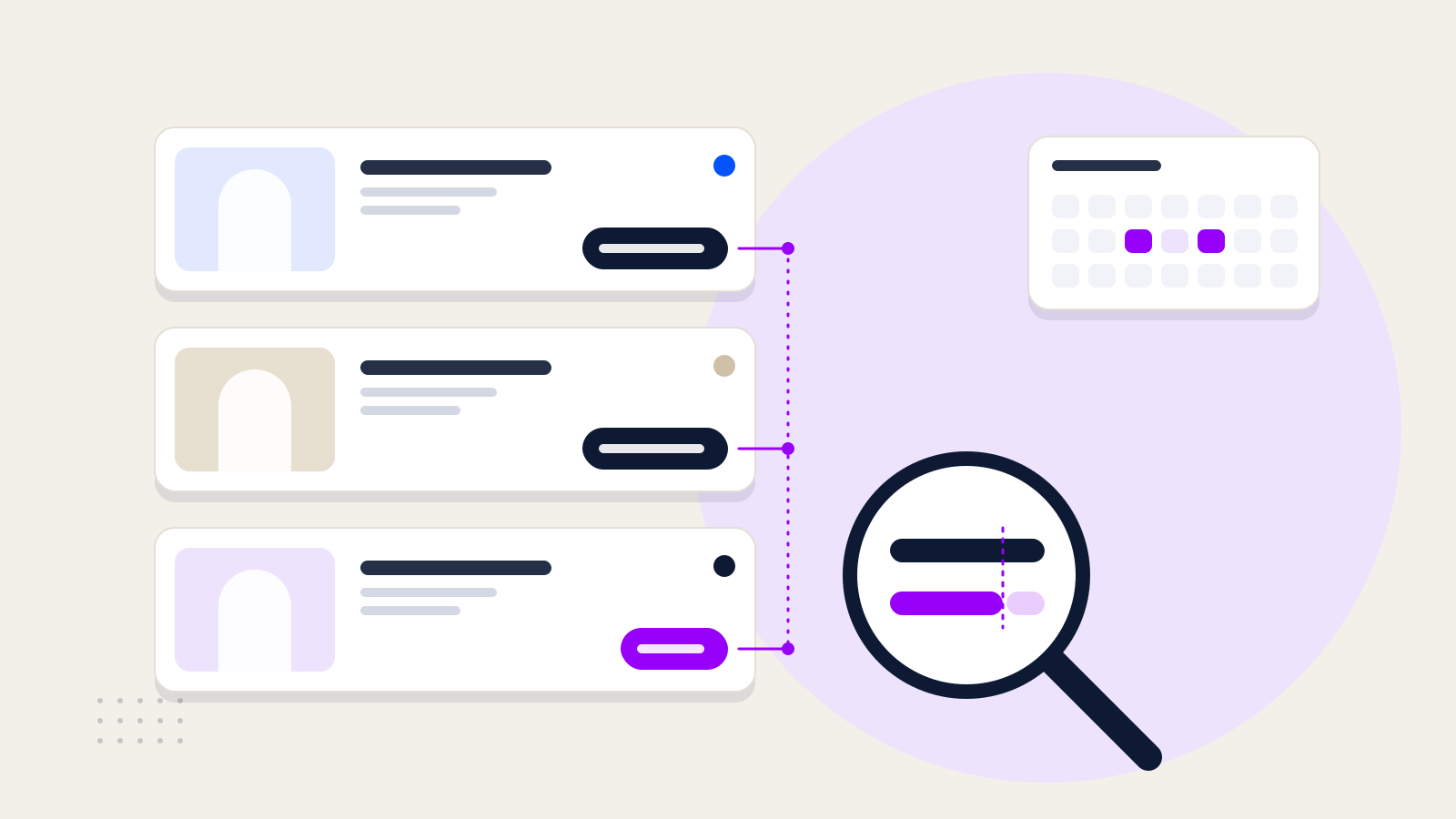
The baseline is the price on your hotel’s own booking engine. It is marked explicitly during setup, and every difference is calculated against it.
The channel’s offer is matched on date, room type and meal plan. A price in another currency is not compared while the exchange rate is unknown.
The difference is calculated relative to the official rate. Prices more than 1% below it are flagged; a higher price is not counted as a breach.
Offers for check-in on 15 Nov
Sample dataHow is the difference calculated?
Difference = (Channel price − Official rate) ÷ Official rate
Example(4,074 − 4,200) ÷ 4,200 = −126 ÷ 4,200 = −3.0%
Try it with your own numbers
Findings
A contracted channel shows the same offer more than 1% below your official rate.
The evidence record gives the channel or your distribution team a concrete example. If the price has been corrected by the next check, the finding closes as resolved.
A price seen on a public site matches a net rate you gave an agency, including the small difference specific to that agency. This is an inference; it does not establish that the price came from that agency.
Until a second, independent observation backs it up, a finding that points to a named agency is kept as a suspicion. Reviewing it and deciding whether to raise it is up to your team.
Your rate appears on a site that is not among the channels permitted in your agreements.
The nights and amounts it was seen at are on record, which is where tracing the source of the sale begins.
The same channel has more than one listing for your hotel. The second listing may be selling below your main listing.
Both listings are recorded side by side, so you can see whether the second one undercuts your main listing.
Evidence recordParity breach
Printable evidence reportCheck history
Caution
Observation
Channel C · 15 Nov · TRY 3,864 · −8.0% · 12 Nov, 06:40
The price seen on screen, recorded with the channel, date, conditions and time of the check.
Suspicion
Possible source: agreement K-2
An inference about which agreement the price may have come from. It stays marked as a suspicion until it is verified.
A price in another currency is not compared while the exchange rate is unknown.
A finding that names an agency remains a suspicion until a second, independent observation.
An offer whose room name cannot be read is not flagged as an unauthorised room sale.
An official rate that reads unusually high is not used as the comparison baseline.
| Channel listingOfficial rate | Fri13Official rate: 4,600 | Sat14Official rate: 4,800 | Sun15Official rate: 4,200 | Mon16Official rate: 3,900 | Tue17Official rate: 3,900 | Wed18Official rate: 4,000 | Thu19Official rate: 4,200 |
|---|---|---|---|---|---|---|---|
| Channel A | 0.0%, Equal | 0.0%, Equal | −3.0%, Below threshold, Parity breach | 0.0%, Equal | 0.0%, Equal | −0.5%, Within threshold | 0.0%, Equal |
| Channel A · 2nd listingDuplicate listing | No price seen | −7.7%, Below threshold, Duplicate listing | −7.6%, Below threshold, Duplicate listing | No price seen | No price seen | No price seen | −7.6%, Below threshold, Duplicate listing |
| Channel B | +1.1%, Above official rate | +1.0%, Above official rate | +1.2%, Above official rate | 0.0%, Equal | 0.0%, Equal | 0.0%, Equal | +1.2%, Above official rate |
| Channel C | 0.0%, Equal | 0.0%, Equal | −8.0%, Below threshold, Suspected rate leak | −8.0%, Below threshold, Suspected rate leak | 0.0%, Equal | 0.0%, Equal | 0.0%, Equal |
| Channel DUnauthorised channel | No price seen | −5.0%, Below threshold, Unauthorised channel | −5.0%, Below threshold, Unauthorised channel | No price seen | No price seen | −4.0%, Below threshold, Unauthorised channel | No price seen |
For how rate parity works inside the hotel: Rate Parity and Distribution Control
Have a question that isn’t covered here? Write to us: info@horecas.com
You set Parity up together with the Horecas team. The most important step is marking the official rate source correctly, because every comparison rests on it.
Mark your official rate source
Your hotel’s own booking engine is set as the comparison baseline. Every difference is calculated against it.
Add the channels to monitor
Public sites where your hotel is sold are added to the list. Search suggestions help you find points of sale you may have missed.
Enter your agency agreements
With agency net rates, permitted channels and publication terms in place, the unauthorised channel and suspected leak findings can run too.
Set up your team and notifications
Add colleagues as Managers or Viewers. Check results appear in the product as one summary notification.
No. Parity does not set prices, make automatic rate changes or push rates to channels. Pricing decisions and channel settings stay in the systems you already use; Parity only monitors how your rate appears on channels.
No. Parity only monitors your own hotel’s rate. It does not offer competitor rate analysis or price recommendations.
The price on your hotel’s own booking engine, marked as the official rate source during setup. Comparisons match room type and meal plan.
When agency net rates and the small agency-specific differences are entered as agreement details, prices seen on public sites are checked against them. A match is only a suspicion; where it points to a named agency, it stays one until a second, independent observation.
OTAs and agency sites where your rate is publicly visible. Closed, password-protected agency portals cannot be checked; prices that leak from them can still be caught through the net rate trail when they appear on a public site.
How often checks run, and from when, is agreed during setup. The result of each check appears in the product as one summary notification; you can also have a specific date range checked.
Parity has Manager and Viewer roles. Your revenue or sales manager handles the findings, and other team members can follow the table and the evidence as viewers.
Satış ve Gelir Yönetimi2 min readIn Turkish
Farklı satış kanallarında görünen oda fiyatlarını doğru karşılaştırmak ve fiyat farklarının kaynağını araştırmak için temel adımlar.
Satış ve Gelir Yönetimi2 min readIn Turkish
Satış ve Gelir Yönetimi2 min readIn Turkish
Demo
In a demo we look together at your official rate source, the channels you sell on and how your agency agreements are set up.
or email info@horecas.com