Front office and operations
Horecas Concierge
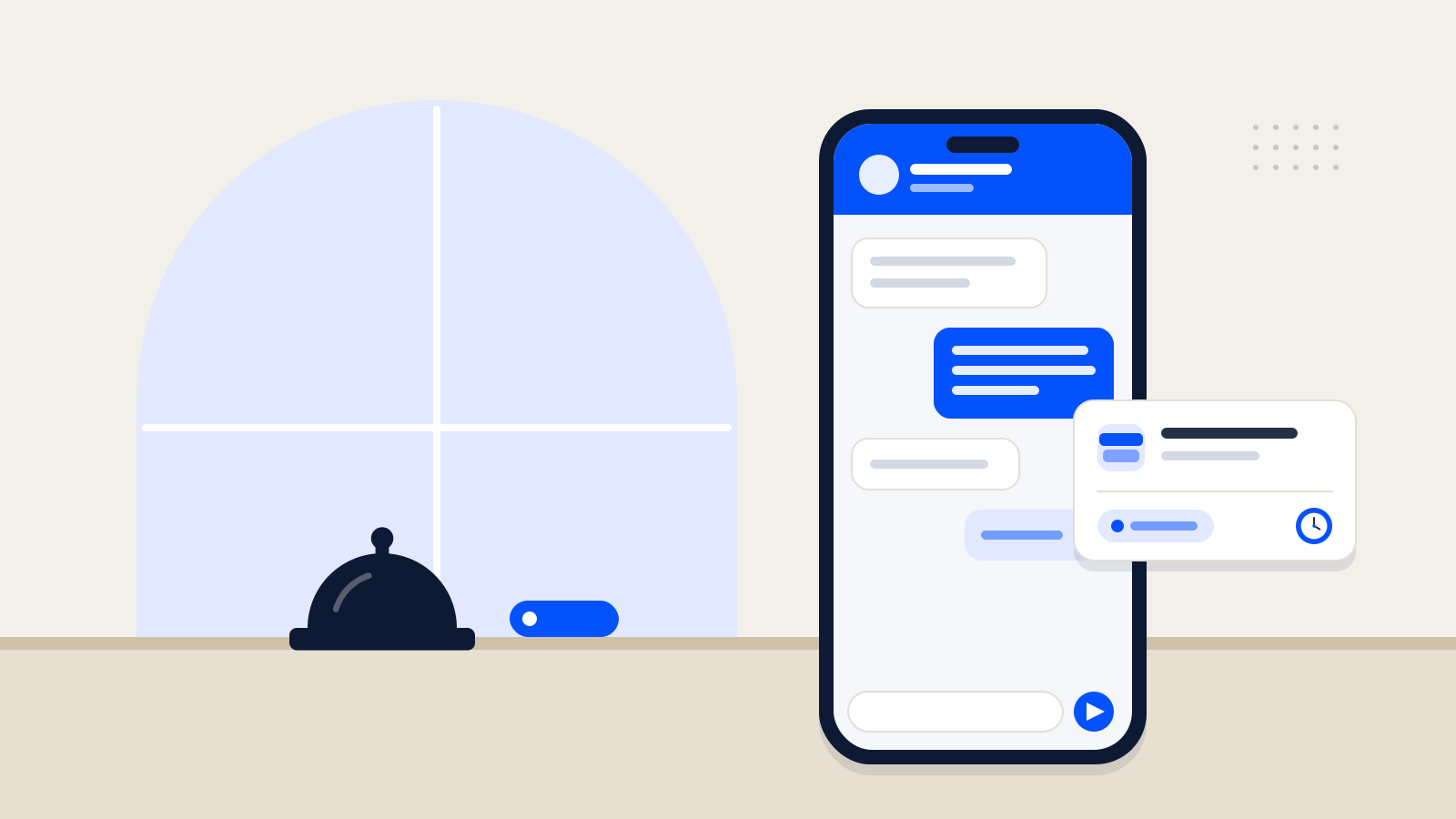
Answers guest messages on WhatsApp, passes service requests to the right department and follows them until they are done.
Explore Concierge
Software for hotels
Horecas routes guest requests from WhatsApp to the right department, schedules spa and massage appointments, and monitors your rates across sales channels.
Guests simply message you on WhatsApp — no app to download.

Front office and operations
Answers guest messages on WhatsApp, passes service requests to the right department and follows them until they are done.
Explore ConciergeSpa and massage
Plans spa and massage bookings around therapists, treatment rooms and session length, and prevents double bookings.
Explore WellnessRevenue and sales
Compares how your rates appear on online sales channels and shows possible parity breaches with evidence.
Explore ParityIllustrative screen · Sample data
Horecas Concierge
From message to request
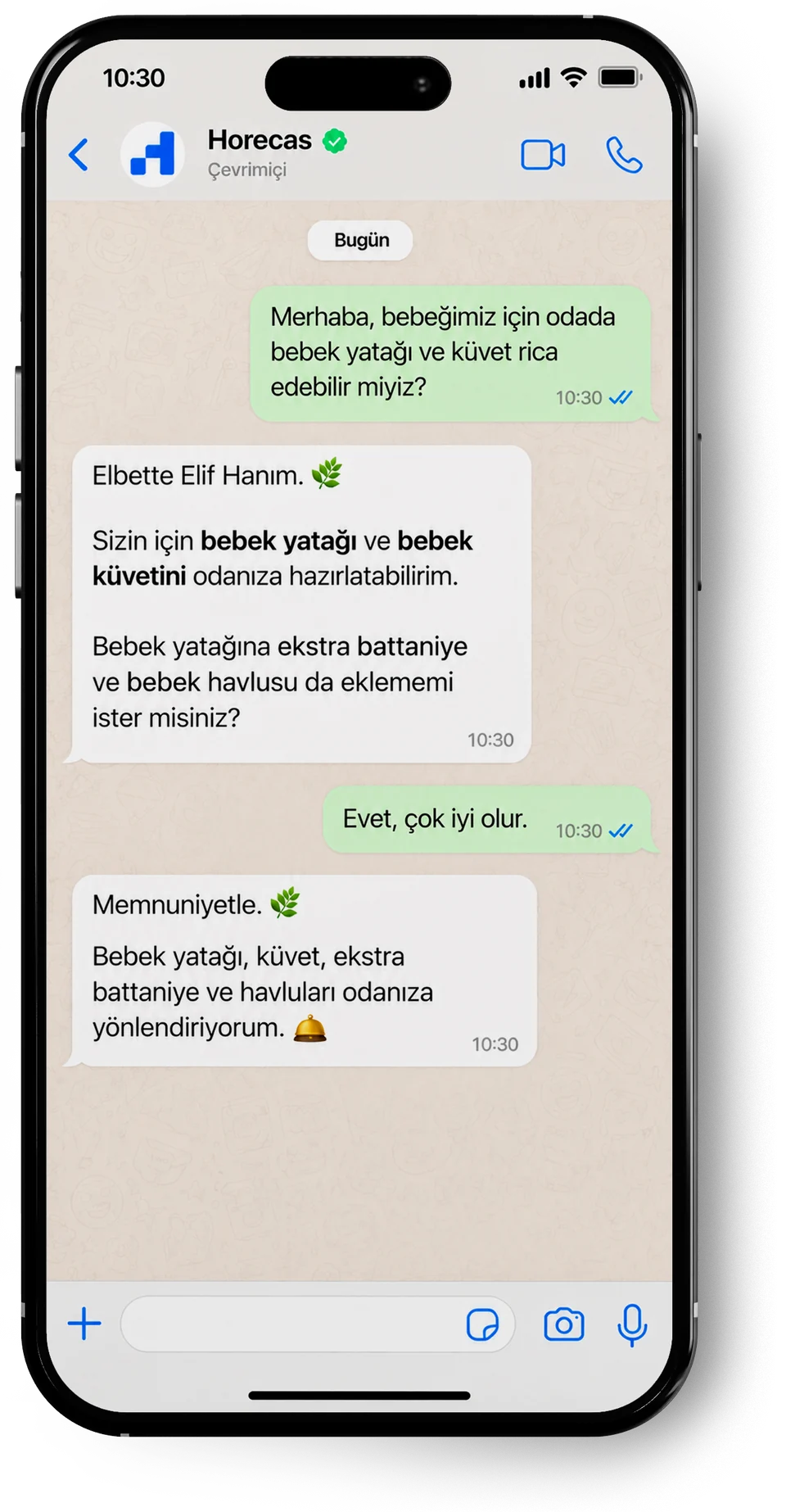
What the hotel team sees
Horecas Wellness
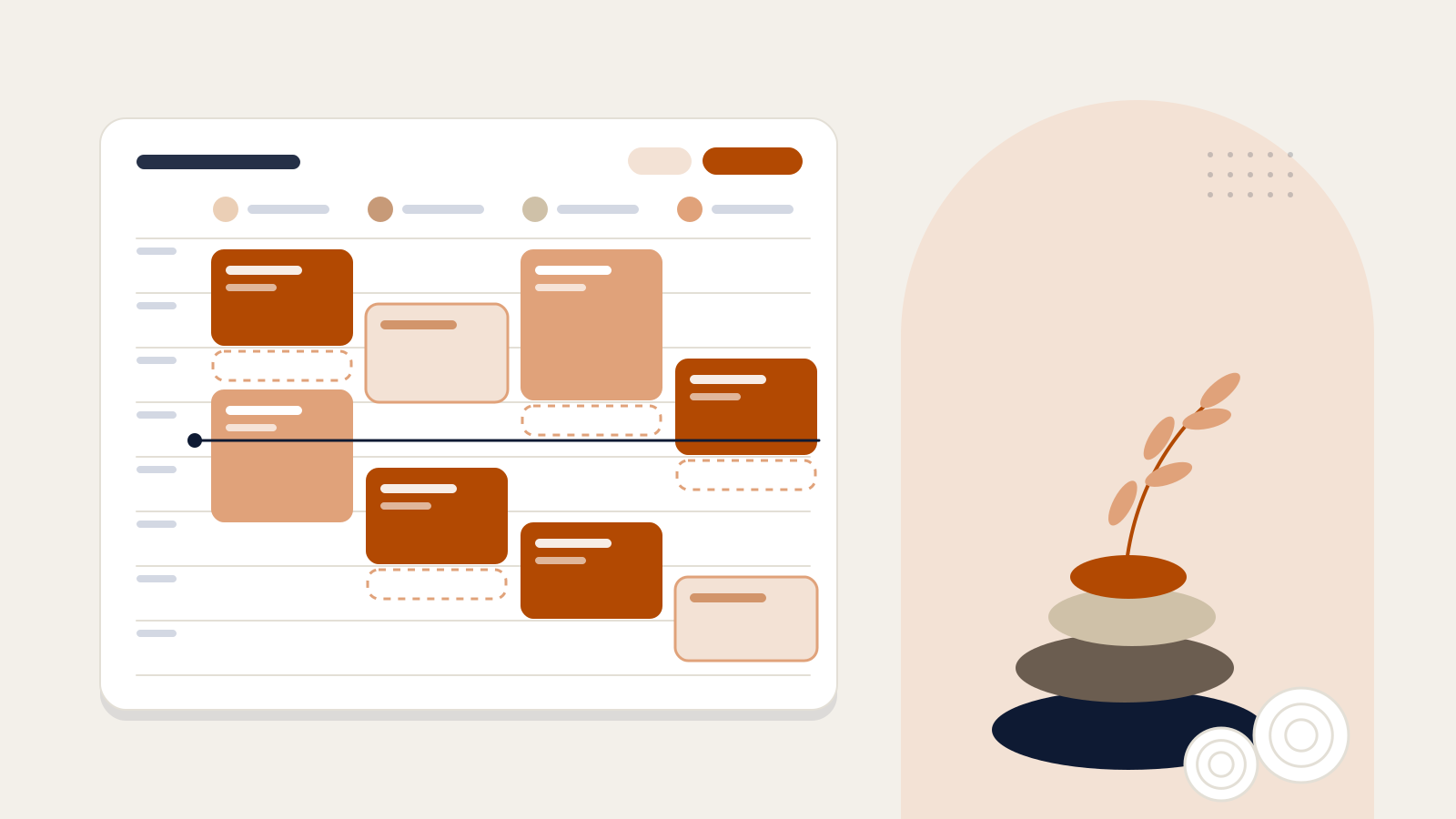
Each booking is placed according to the therapist’s working hours and skills and the treatment room’s availability, so clashing sessions are prevented.
Explore WellnessEvery session in therapist columns.
Each treatment goes to a therapist who can deliver it.
Massage rooms, hammam and couples suite tracked separately.
Booking requests from Concierge arrive for your approval.
Horecas Parity
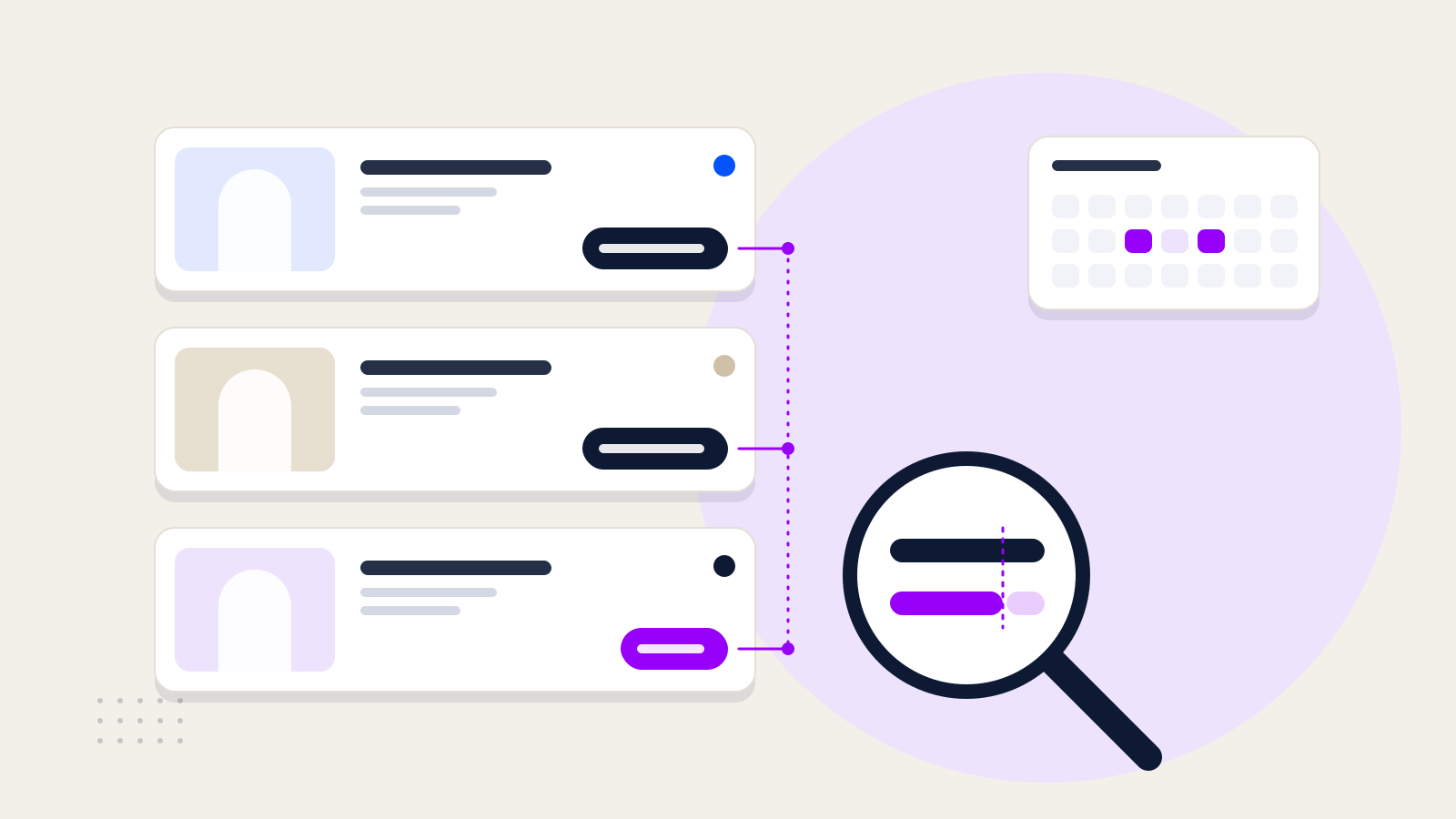
Parity compares your hotel’s official rate with the rates on online sales channels for the same stay conditions, and brings any differences to your review with the time of detection and evidence.
Parity doesn’t set prices or manage channels; it monitors how your rates appear on them.
Explore ParityParity table
Standard room · 2 adults · 1 night · Breakfast included
| Channel | Rate | Against official rate | Difference |
|---|---|---|---|
| Official rateHotel website | TRY 4,200 | — | |
| Channel A | TRY 4,200 | 0 | |
| Channel B | TRY 4,242 | +1.0% | |
| Channel C | TRY 3,780 | −10.0% | |
| Channel D | TRY 4,200 | 0 |
Rates more than 1% below the official rate are flagged.
Channel C · 14 Nov
A sample day
Conversations answered
96
42 of them became service requests.
Service requests
42
38 completed4 open
Average time to complete: 22 min
Spa bookings
15
56%therapist occupancy
4 therapists · 10:00–18:00 · each square is 30 minutes
Rate comparisons
240
8 channels × 30 nights
2 possible parity breaches awaiting review
Horecas Concierge
Guest requests scattered across phone calls, the front desk and personal messages — with no clear owner and no clear finish.
Teams involved
Horecas Wellness
Bookings kept in notebooks or spreadsheets, clashing therapist and room plans, requests left waiting for an answer.
Teams involved
Horecas Parity
Channel rates that undercut your own, unauthorised resellers and duplicate hotel listings.
Teams involved
We talk through your teams and processes and decide together which product to start with.
We prepare what your product needs together — opening hours, services, departments, the spa menu or your sales channels.
The Horecas team handles the setup. With test conversations and checks, we confirm together that everything works as it should.
We show your team the screens they will use, and then you start using it with your guests.
Timing depends on the size of your hotel and the products you choose; we agree on a schedule together in the demo call.
Misafir Deneyimi
WhatsApp üzerinden gelen misafir sorularını ve hizmet taleplerini düzenli bir iş akışına dönüştürmek için dikkat edilmesi gerekenler.
Otel Yönetimi ve Teknoloji
Hizmet süresi, terapist uygunluğu ve oda kullanımını birlikte değerlendirerek SPA rezervasyonlarınızı daha düzenli yönetin.
Satış ve Gelir Yönetimi
Farklı satış kanallarında görünen oda fiyatlarını doğru karşılaştırmak ve fiyat farklarının kaynağını araştırmak için temel adımlar.
Ecosystem
Demo
In a demo, we walk through Concierge, Wellness and Parity based on your teams and the way your hotel runs.
or email info@horecas.com