
No hot water in the shower
Status: CompletedPriority: Normal
- Respond by
- 20:20
- Resolve by
- 22:05
- Assigned to
- Can Y.
- Opened20:05
- Assigned20:09
- Completed20:41

Solution · Guest Communication and Service Requests
“I asked for two towels an hour ago and they still haven’t arrived.”
One evening, four messages on the same line
Illustrative conversationProblem
When the answers to these questions aren’t recorded anywhere, a delay only comes to light when the guest writes a second time.
The guest writes
To the front desk phone, a personal number or the hotel line.
When did it arrive, and who saw it?
The front desk replies
“I’ll pass it on right away.” The job becomes a note or a radio call.
Which team was it passed to, and to whom?
The department hears
Housekeeping or maintenance picks up the job by word of mouth.
How long has it been waiting?
Done, or forgotten
The shift changes, the note goes missing, the guest writes again.
Was the guest told?
By role
“How long do requests take to complete, and where are the delays building up?”
How the solution answers it
Every request is recorded with its department, the time it was opened and its time limits. Overdue work is flagged on screen, so you see a delay before the guest has to complain.
“Which department has this job, who is it assigned to, and where is it now?”
How the solution answers it
The request lands on the department’s screen; a manager assigns it and a team member completes it. Even across a shift change, the owner and status stay in the same record.
“The guest wants to speak to someone. Who takes over the conversation, and where?”
How the solution answers it
The conversation is flagged as waiting for a person. Front office takes it over from the web screen, and the assistant stops replying in that conversation.
Process
No app to download, no account to create. Whatever language they write in, the reply comes back in it.
Questions are answered from the information the hotel has entered. A fault or service request becomes a request record for the right department, and its response and resolution clocks start.
The request appears on the maintenance screen as “Waiting”. The department manager assigns it to a team member and the record changes to “Assigned”.
The team member marks the job as completed and the guest is informed. Staff can also write in the conversation themselves when needed.
What the hotel team sees
No hot water in the shower
Time tracking
The request was completed within both the response and resolution times. No warning was raised on the record.
The times are examples; each hotel sets its own for each department. Warnings are for the team only; no automatic message goes to the guest.
What changes
| Question | When messages are scattered | With Concierge |
|---|---|---|
| Who saw the message? | Whoever was holding the phone at the time. | The conversation is on the hotel’s web screen, and the authorised team sees the same history. |
| Which team has the job? | It’s in a radio call or on a paper note. | The request sits on the department’s screen with the assigned person’s name. |
| How long has it been waiting? | You find out when the guest writes again. | The opening time and time limits are on record, and a warning appears when a limit is passed. |
| What happens at shift change? | Open jobs are handed over by word of mouth. | Open requests stay on the list, and the next shift picks up where the last one left off. |
| Was the guest told? | Often, nobody knows. | The guest is informed when the job is completed. |
| What if the guest writes in another language? | Someone who speaks it has to be found. | The assistant replies in the language the guest writes in. |
Estimated time saved per day
50 min
Over 30 days25 h
Formula: 50 questions × 2 min × 50% = 50 min
This is an estimate based on the assumptions you enter; it does not show your hotel’s actual results. The time is the team’s combined time spent on these questions.
Related product
Horecas Concierge
Guest messaging and service request tracking on WhatsApp.
The conversation screen, department requests, time tracking and taking over conversations: see Concierge’s capabilities in detail on the product page.
Explore ConciergeOur articles are currently available in Turkish.
 Misafir DeneyimiOtellerde WhatsApp ile misafir iletişimi nasıl yönetilir?2 min read · Turkish
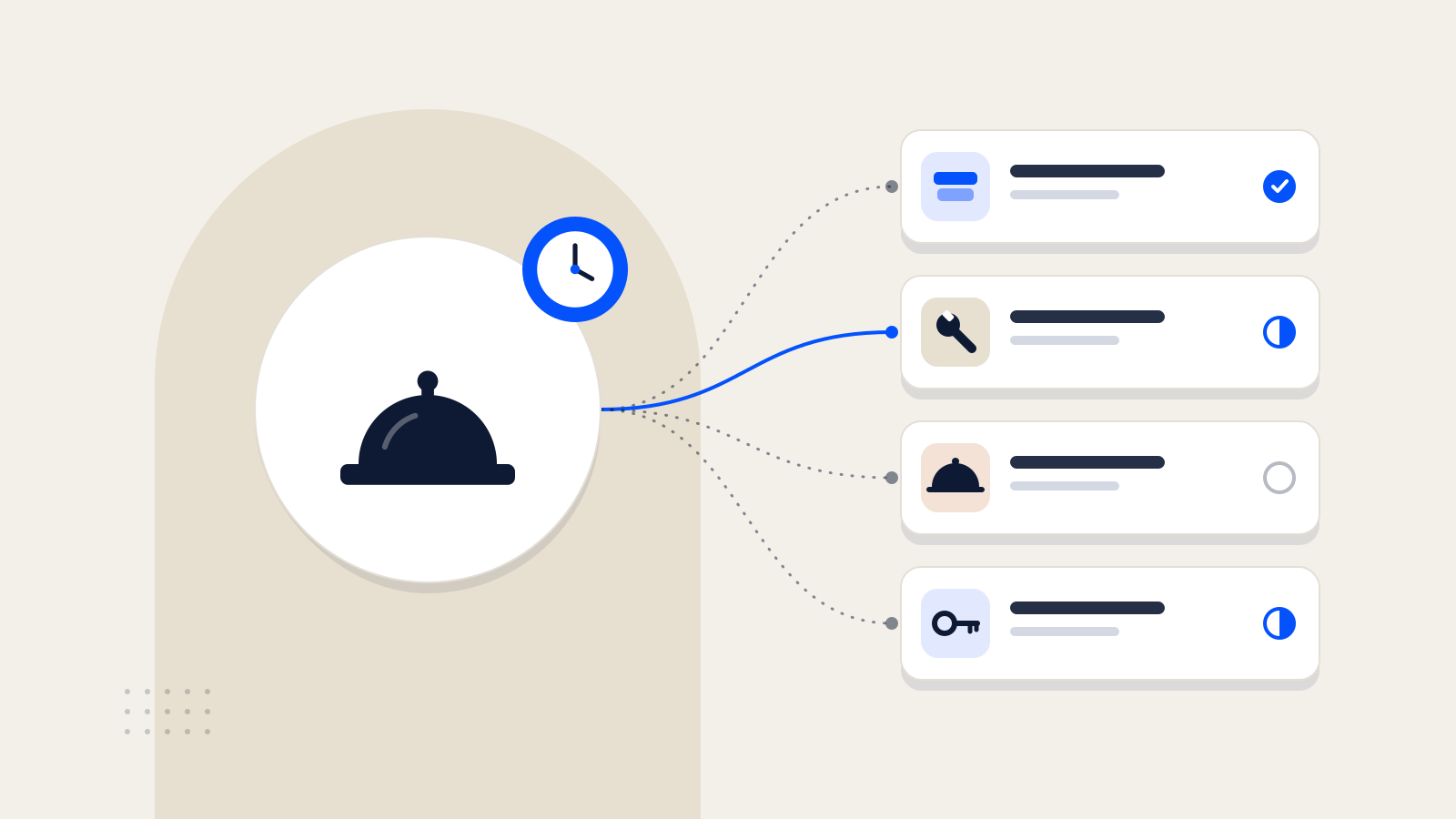 Otel Yönetimi ve TeknolojiOtellerde misafir talepleri nasıl takip edilmeli?2 min read · Turkish
 Misafir DeneyimiOtellerde çok dilli misafir iletişimi nasıl sağlanır?2 min read · Turkish
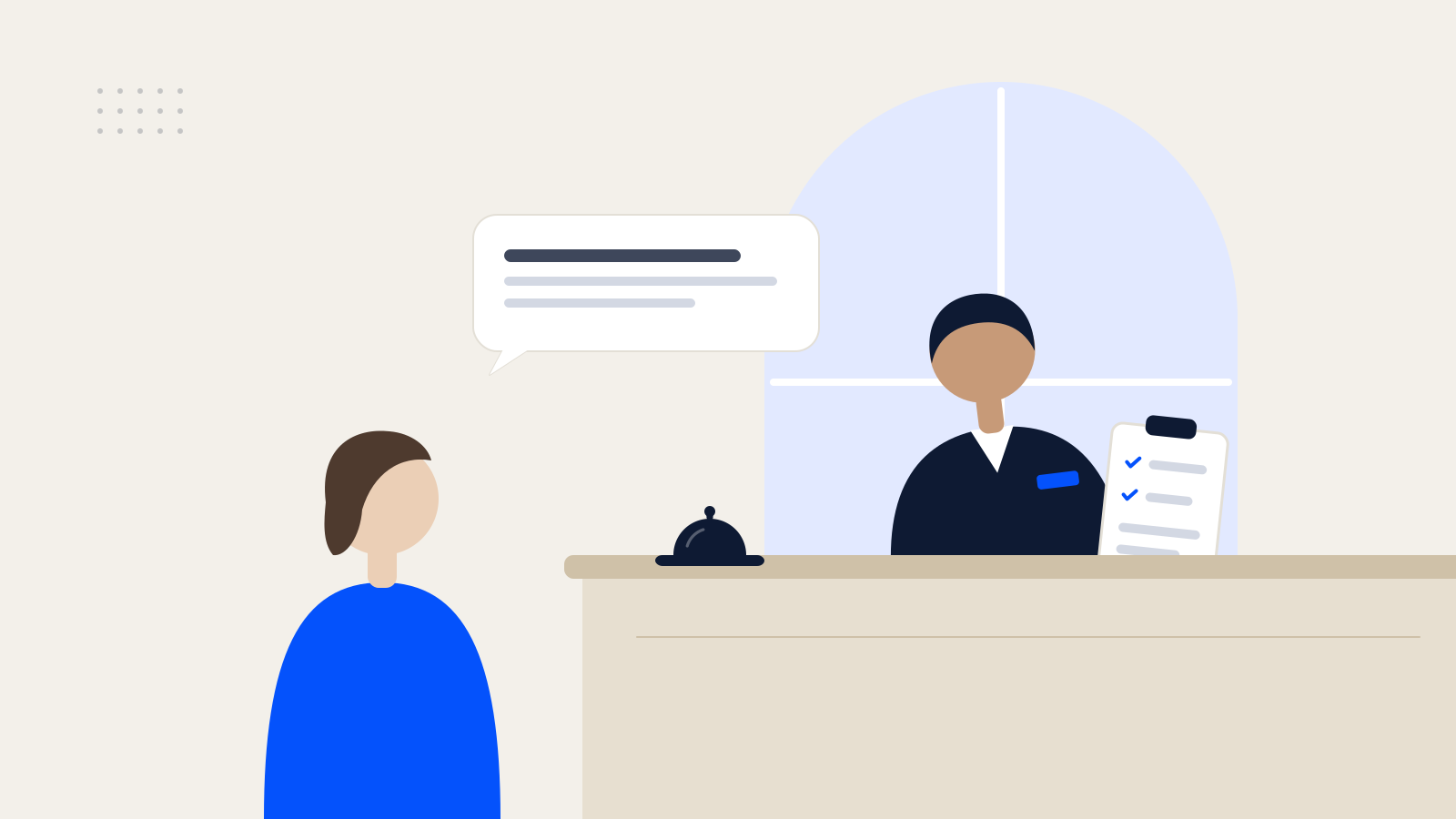 Misafir DeneyimiMisafir şikâyetleri otelden ayrılmadan nasıl yönetilir?2 min read · Turkish
Demo
In the demo we go through your departments, your time targets and the questions guests ask most often, and show how Concierge handles them.
or email info@horecas.com