
Grilled salmon + seasonal salad
- Received10:30
- Forwarded10:30
- Completed10:58

Horecas Concierge
The same request on your team’s Requests screen. The assistant always writes request titles in Turkish; the panel interface is also available in English.
Scenarios
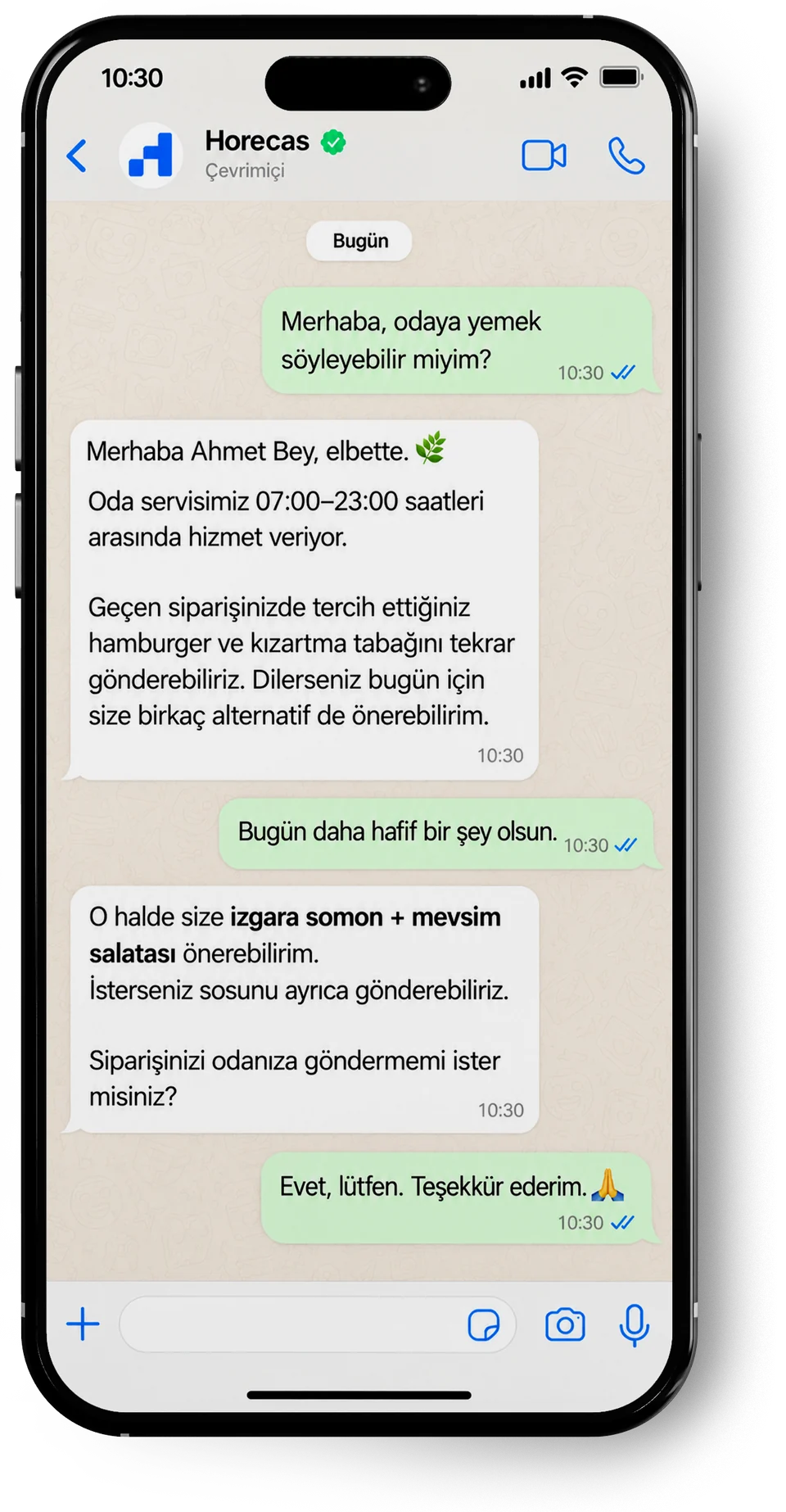
The assistant gives room service hours from your hotel’s information and suggests options from your menu. The order is only opened once the guest confirms, and then lands on the room service team’s Orders screen.
What the hotel team sees
On the team’s side
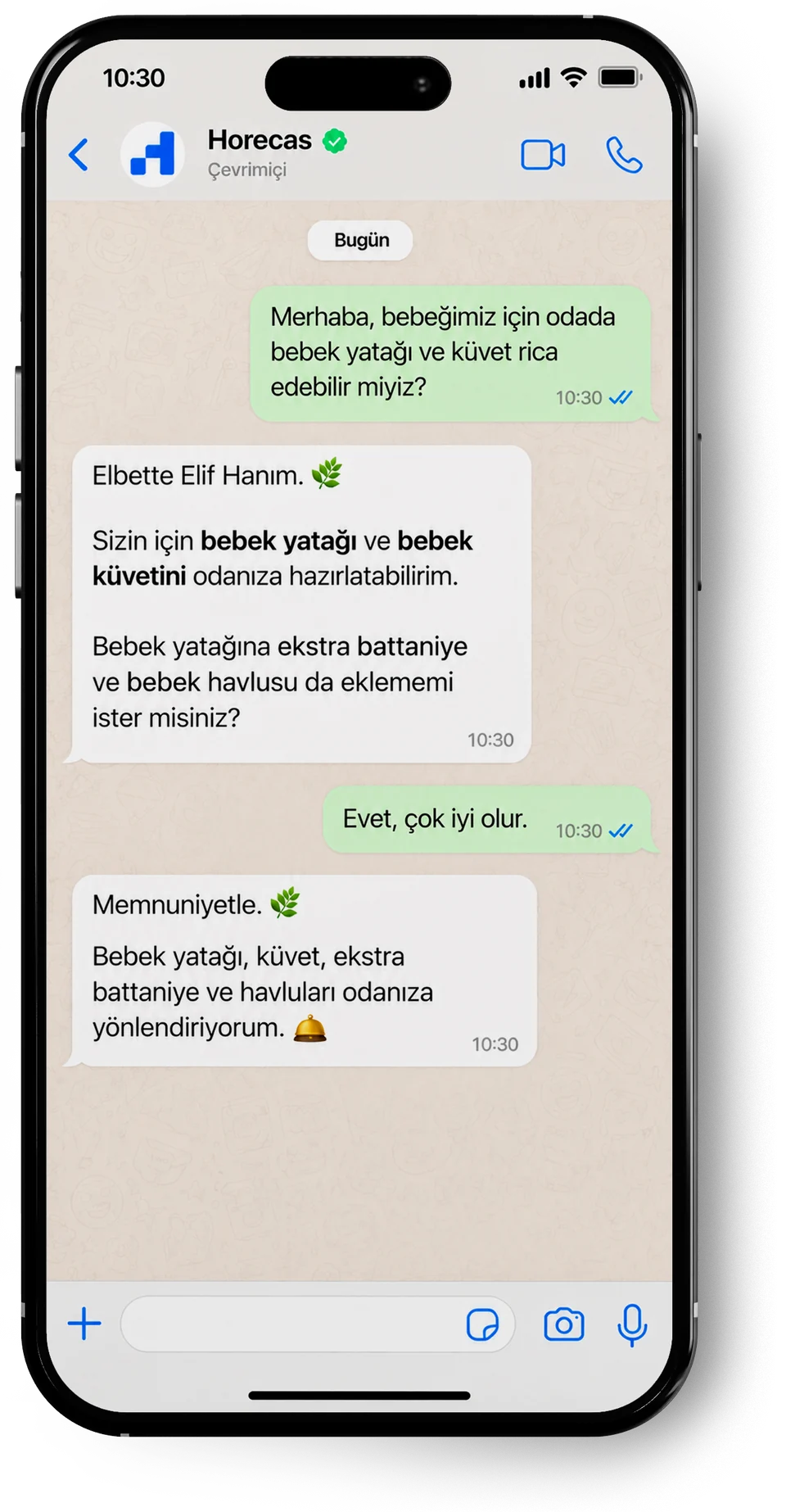
The guest’s requests are gathered in one ticket: with the guest’s agreement, a blanket and towels are added to the cot and bath. The request goes to Housekeeping and closes once the items are in the room.
What the hotel team sees
On the team’s side
The fault goes to maintenance and every step is time-stamped. Had the target time passed, the request would have been flagged and its priority raised.
What the hotel team sees
Time tracking
On the team’s side
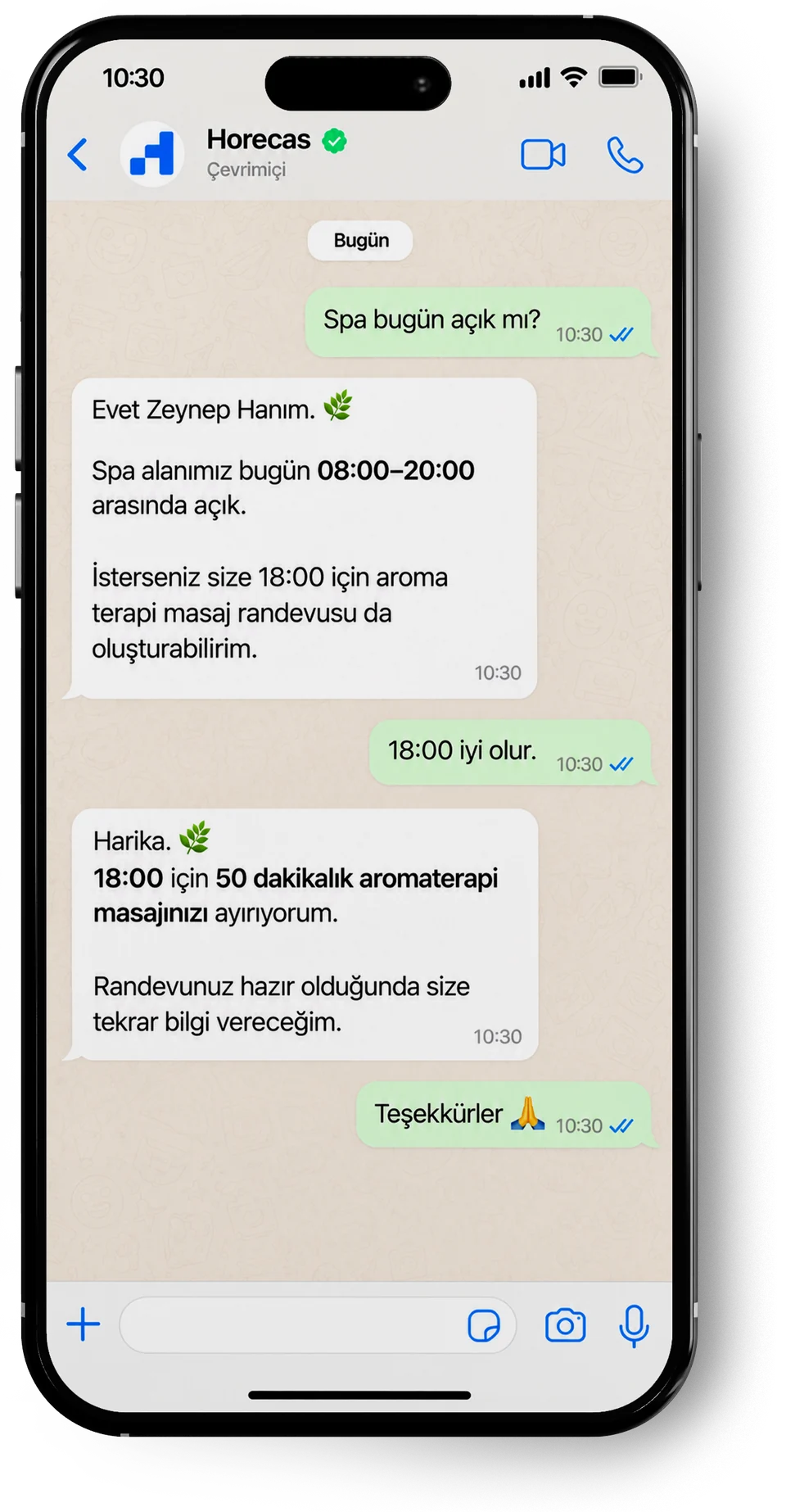
The assistant gives the spa hours from your hotel’s information. The time the guest picks becomes a booking request in Wellness, waiting for approval; the spa team confirms it.
What the hotel team sees
On the team’s side
This flow works with Horecas Wellness. In hotels without Wellness, the request opens as a booking request that the spa team follows up. Explore Horecas Wellness
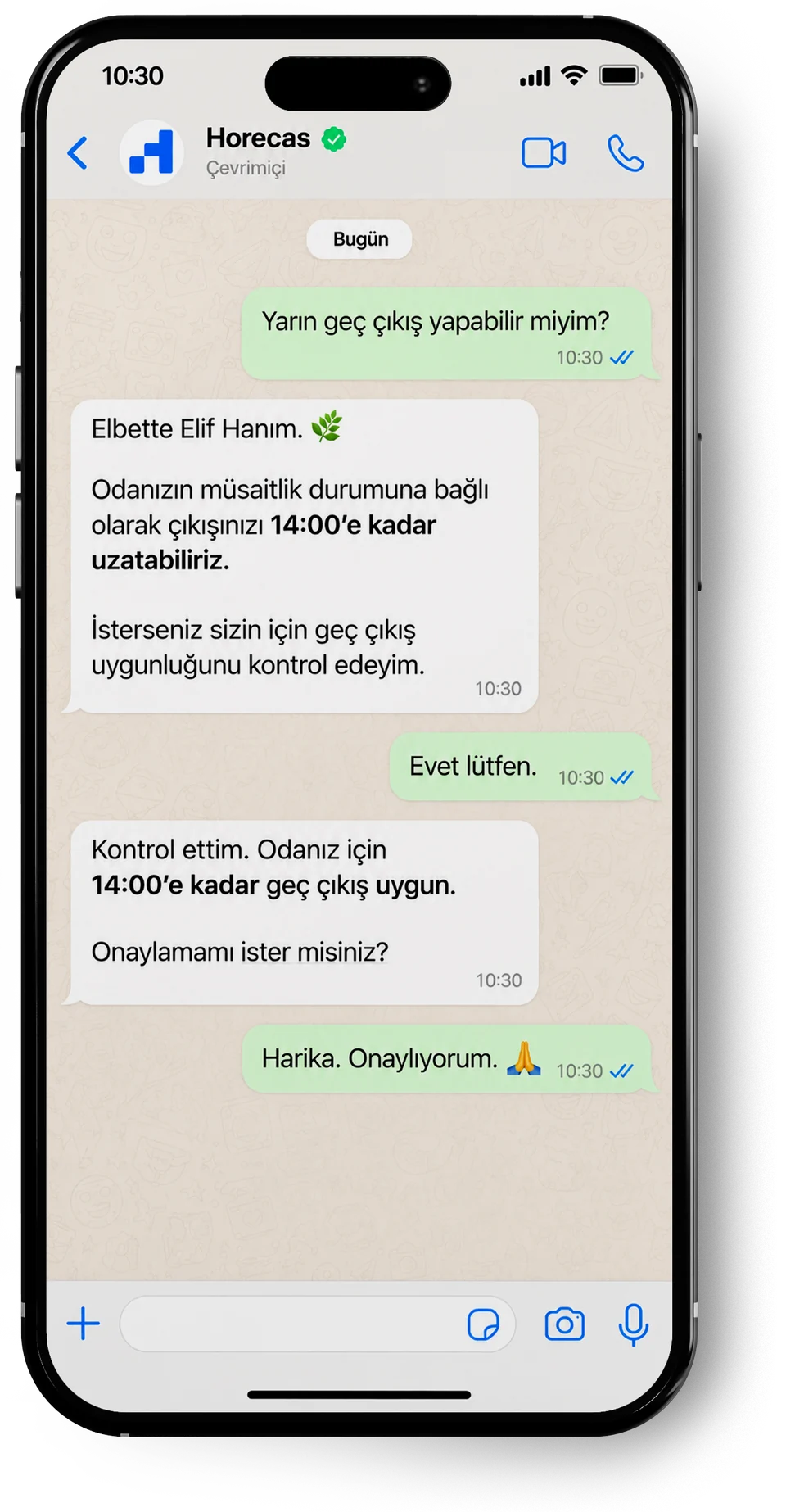
A late check-out request reaches the Front Office as a ticket, with the requested time on it. Once the guest confirms, the front office records the late check-out and closes the request.
What the hotel team sees
On the team’s side
When a guest asks to speak to someone, the conversation is handed to the team. Once a staff member takes over, the assistant stays silent and the guest carries on in the same chat.
What the hotel team sees
On the team’s side
Answering guests
The assistant describes your hotel and does not make things up.
The assistant only uses what you enter in the panel: opening hours, Wi-Fi, policies, services, menus, rooms and public areas, and the guest’s own stay. When it doesn’t know something, it says so and passes the question to your team. Once you add the answer, it uses it next time.
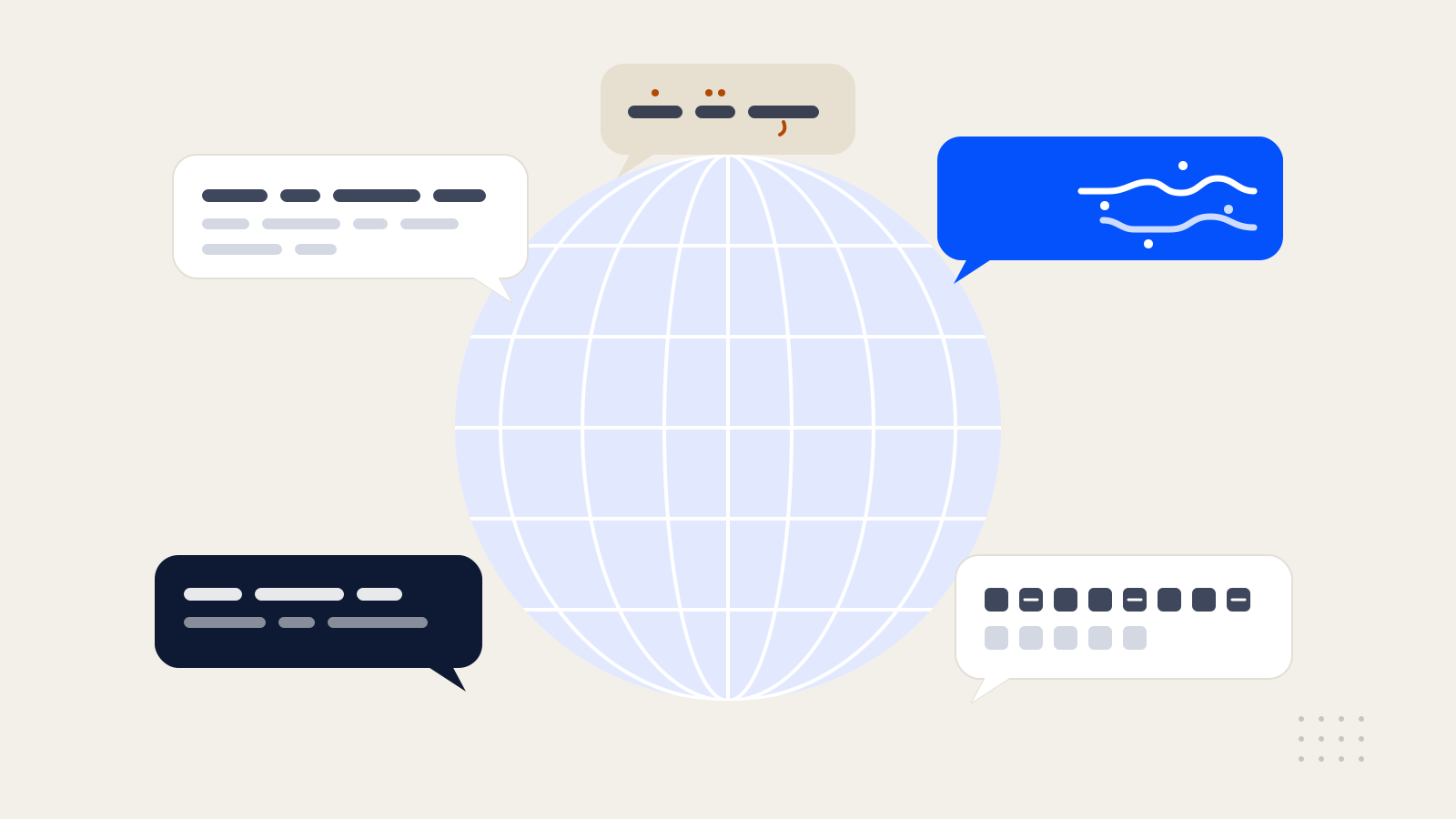
The assistant replies in whichever language the guest writes in, and switches if the guest does. Your team sees the request as one short summary in Turkish.
The task your team seesHousekeeping
[Oda 305] Misafir iki adet ek havlu istiyor.
Room 305 · Guest requests two extra towels.
Each guest is answered in their own language; your team gets one short summary per request, written in Turkish.
Work for the team
Requests go to the right place, and delays become visible.
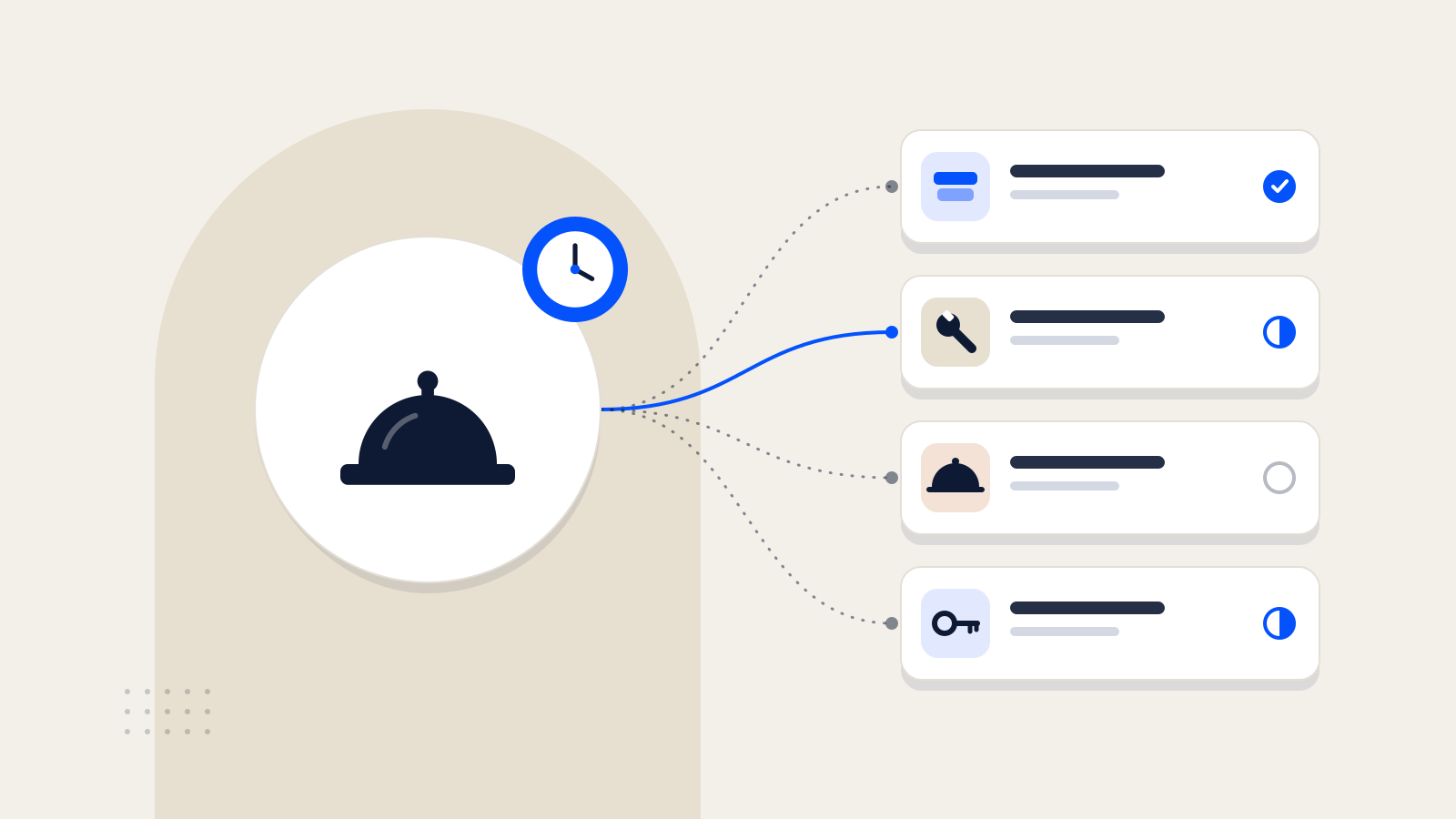
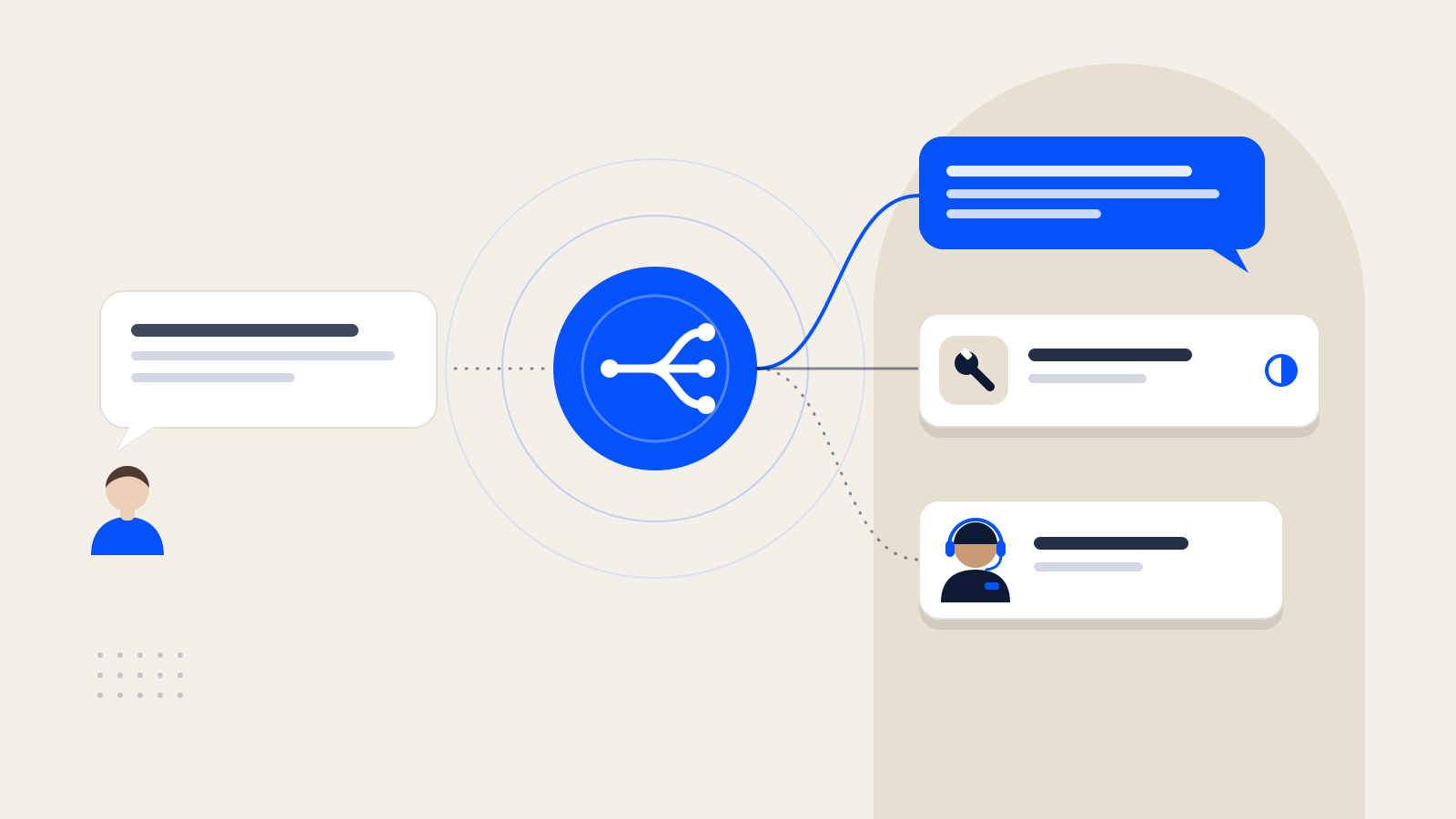
Amenities and cleaning go to housekeeping, faults to maintenance, transfers and tours to the concierge desk, late check-out to the front office. A message with several requests is split into separate tasks.
You set a response time and a resolution time for each department. Overdue requests are flagged in the panel, their priority goes up and the person responsible is alerted. Unanswered guest messages are also checked at regular intervals.
Every request is logged with the room, guest, time, department and assignee, and links straight back to the conversation. Requests, orders and complaints are kept in separate lists.
People and services
Staff step into the conversation when it matters.
When a guest asks for a person, or a topic such as a complaint or payment needs staff, the conversation is marked “waiting for staff”. A team member takes it over and can hand it back to the assistant when done.
When a guest asks about the spa, room service, transfers or a stay package, the assistant answers with the details your hotel has entered. Interest turns into a request or an order; room service orders reach the team only after the guest confirms.
A sample day
| Requests by department | Completed | Open |
|---|---|---|
| Housekeeping | 17 | 1 |
| Maintenance | 7 | 2 |
| Front Office | 8 | 0 |
| Concierge desk | 3 | 1 |
| Spa | 3 | 0 |
| Average time to complete vs. department target | Average (min) | Target (min) |
|---|---|---|
| Housekeeping | 16 | 30 |
| Maintenance | 41 | 120 |
| Front Office | 11 | 30 |
| Concierge desk | 24 | 60 |
| Spa | 35 | 60 |
| Hour | Messages |
|---|---|
| 00:00 | 4 |
| 01:00 | 2 |
| 02:00 | 1 |
| 03:00 | 1 |
| 04:00 | 0 |
| 05:00 | 2 |
| 06:00 | 5 |
| 07:00 | 12 |
| 08:00 | 22 |
| 09:00 | 24 |
| 10:00 | 20 |
| 11:00 | 16 |
| 12:00 | 13 |
| 13:00 | 12 |
| 14:00 | 14 |
| 15:00 | 15 |
| 16:00 | 16 |
| 17:00 | 17 |
| 18:00 | 19 |
| 19:00 | 22 |
| 20:00 | 24 |
| 21:00 | 22 |
| 22:00 | 16 |
| 23:00 | 13 |
Estimated time saved per day
1 h
Over 30 days30 h
Formula: 60 questions × 2 min × 50% = 1 h
This is an estimate based on the assumptions you enter; it does not show your hotel’s actual results. The time is the team’s combined time spent on these questions.
We talk about the questions your guests ask most, your departments and how you use WhatsApp today, then show Concierge through those processes.
Opening hours, Wi-Fi, policies, rooms and public areas, services, menus and frequently asked questions are collected with a setup form. The assistant uses only this information.
Departments, users and roles are set up, with a response and resolution time for each department. Team members are invited by email.
Guests write to your hotel through the Horecas WhatsApp line. In-house guests are added to the panel manually or with an Excel file, and welcome messages are sent from these records.
The assistant’s answers are tested together before guests see them. The Horecas team walks front office and department users through the panel.
The line is shared with guests through room cards and the welcome message. Questions the assistant can’t answer are collected in a list; as you answer them, it knows more.
Email: info@horecas.com
No. Guests write to the hotel from the WhatsApp they already have on their phone. Your team manages conversations and requests in a panel that opens in the browser.
It doesn’t guess. It says it doesn’t know and passes the question to your team. Once you enter the answer in the panel, it can be sent to the guest and the assistant uses it from then on.
The assistant replies in whichever language the guest writes in. We can go through the languages used for standard notifications, such as booking, check-in and check-out messages, in a demo.
It doesn’t take room bookings or promise prices, times or confirmations. It passes the guest’s request to the right team; confirmations and outcomes come from your staff. Guests asking to book a room are pointed to your hotel’s booking channels.
Whenever they want. When a guest asks to speak to someone, or a topic such as a complaint or payment needs staff, the conversation is marked “waiting for staff”. Once a staff member takes it over, the assistant stops replying.
Each department has a response time and a resolution time. Overdue requests are flagged in the panel, their priority goes up and the person responsible is alerted. Guests are not sent an automatic delay message.
Today, guest and stay details are added to the panel manually or with an Excel file. Let’s talk about your systems and what you need in a demo.
The Horecas team. Collecting your hotel information, setting up departments and training your team are all part of the setup.
Our articles are currently available in Turkish.
WhatsApp üzerinden gelen misafir sorularını ve hizmet taleplerini düzenli bir iş akışına dönüştürmek için dikkat edilmesi gerekenler.
Demo
In a demo, we’ll talk about what your guests write about most and how your departments work, and look at how Concierge handles it together.
or email info@horecas.com